What you get
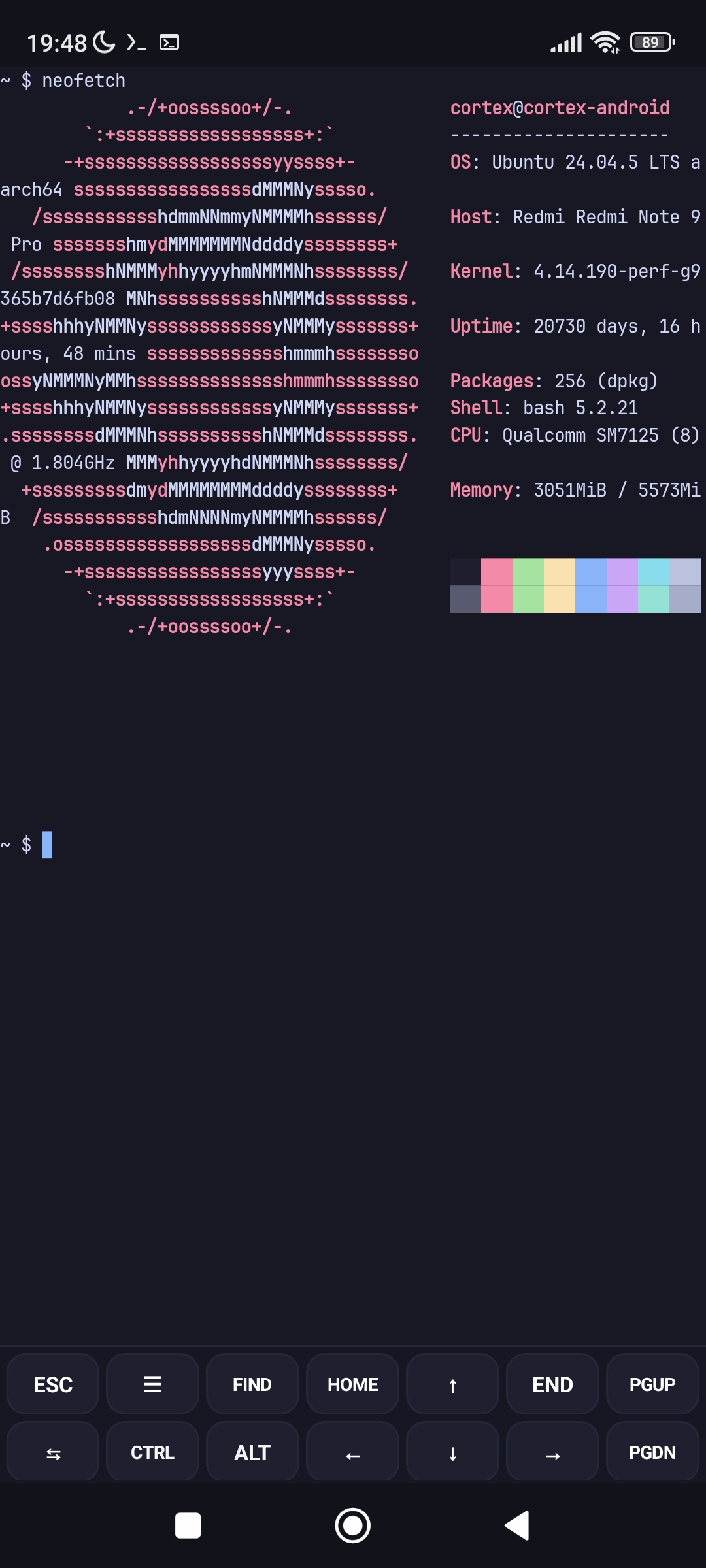
Genuine Ubuntu 24.04 LTS
Ubuntu's own .deb packages with glibc 2.39, installed with apt from the official archive.
Direct execution
Programs run on the Android kernel itself. A small preloaded library maps /usr, /etc and friends into the app's private storage.
Built for developers
gcc, git, Python, Java 17, Node.js (apt or nvm) and more. Changed ~/.bashrc files are picked up at the next prompt.
Made for a phone
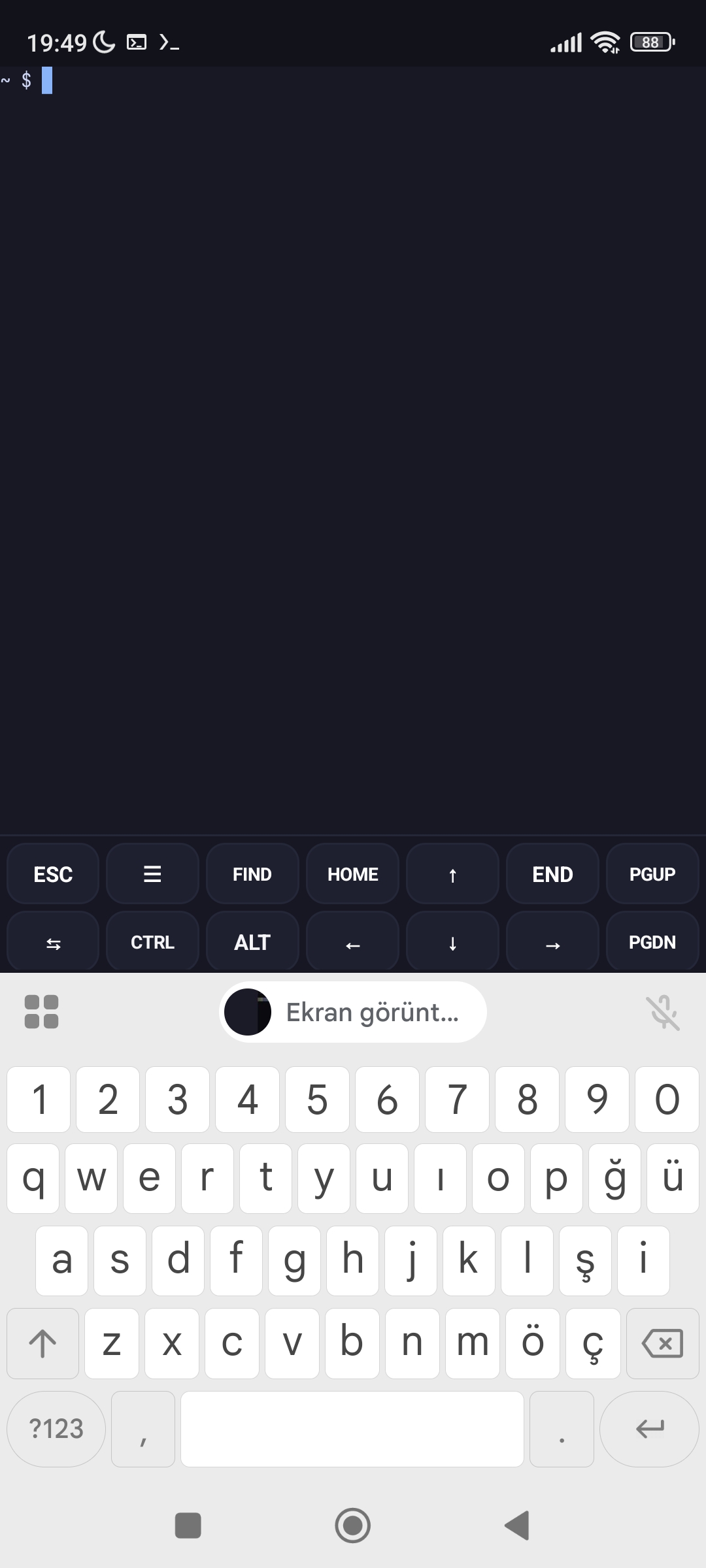
Sessions drawer, virtual key toolbar, terminal search, clickable links and image paste.
Terminal integration
Clipboard from tmux/vim (OSC 52), notifications when long commands finish, OSC 8 hyperlinks.
Your files, safe
cortex-backup for backup and restore, and your home folder in Android's Files app.
Cortex compared
| Cortex | Termux (own packages) | Termux + proot-distro | Android Linux Terminal (VM) | |
|---|---|---|---|---|
| Needs root | No | No | No | No |
| How Linux programs run | Directly on the Android kernel, with path redirection in user space | Directly, as programs built for Android | Inside PRoot, a user-space chroot using ptrace | Inside a virtual machine (supported devices only) |
| C library | glibc 2.39 (Ubuntu) | Bionic | glibc of the chosen distribution | glibc (Debian) |
| Package source | Ubuntu 24.04 archive via apt | Termux repositories via pkg | The distribution's own apt | Debian apt |
ptrace system-call overhead | None | None | Yes | None (VM overhead instead) |
Pick Cortex when you want Ubuntu's own packages and a genuine glibc without the layers PRoot or a VM add. Termux remains a great choice for its large, Android-specific package set.
Install
- Open the latest release.
- Download
Cortex-arm64-v8a-signed.apk(64-bit, almost all current phones) orCortex-armeabi-v7a-signed.apk(32-bit ARM). - Install it, allow storage access when asked, and wait for the one-time base system setup.
- Install tools with
apt:
apt update
apt install git python3 build-essential openjdk-17-jdk
FAQ
Does Cortex need root?
No. It runs on unrooted devices.
Does it use PRoot, chroot or a virtual machine?
No. Programs run directly on the Android kernel. A small preloaded library redirects file paths such as /usr and /etc to Cortex's private storage and emulates root-only details like the user id.
Which Android versions and CPUs are supported?
Android 7.0 and newer, with separate APKs for 64-bit (arm64-v8a) and 32-bit (armeabi-v7a) ARM devices.
How do I install software?
Use apt like on any Ubuntu system. Installers such as nvm also work.
Is there a desktop or GUI?
Not yet. Cortex is a terminal; there is no X11 or Wayland server.
Will every Ubuntu package work?
Most command-line tools do. Packages that depend on kernel features Android does not allow for apps, such as systemd services or privileged device access, cannot work.
Which languages does the app support?
It follows your system language and offers 50 languages in Settings. The translations were made with machine assistance, so corrections are welcome on GitHub.
Where do I report problems?
On GitHub Issues or on Telegram.